HelpLook vs Botpress vs TeamSupport: AI Support Comparison
HelpLook vs Botpress vs TeamSupport: Which AI Support Platform Fits?
Customer support software is splitting into distinct categories: AI knowledge bases that publish answers, AI agent platforms that resolve conversations, and B2B support suites that manage accounts and revenue. HelpLook, Botpress, and TeamSupport each lead in one of those categories, but they overlap just enough to confuse buyers.
This comparison breaks down what each platform does best, where each has real limitations, and how to choose based on your support model rather than a feature checklist.
Quick comparison: HelpLook vs Botpress vs TeamSupport
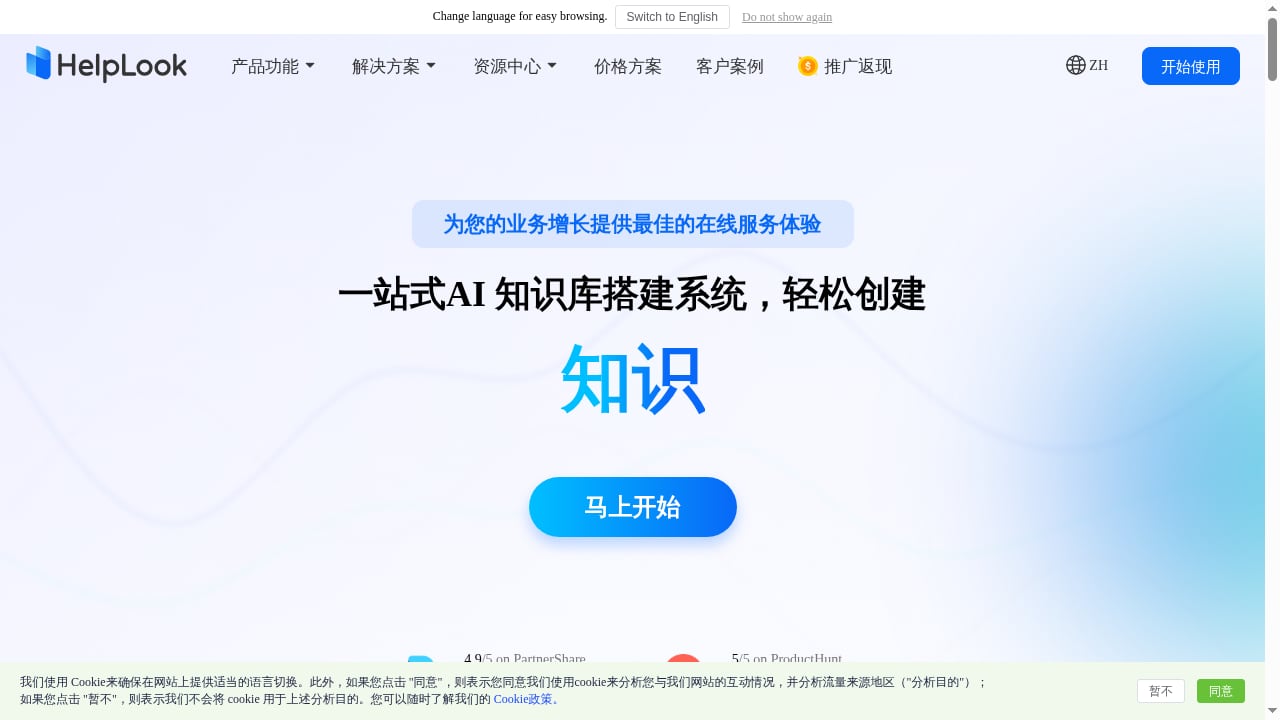
First viewport screenshot of www.helplook.net.
| Criterion | HelpLook | Botpress | TeamSupport |
|---|---|---|---|
| Primary category | AI knowledge base and help center | AI agent platform for customer support | B2B customer support and intelligence |
| Best for | Content-led support, self-service, SEO | Autonomous ticket resolution and handoff | B2B account-centric support teams |
| Core strength | No-code portal building with AI search and Q&A | Multi-step AI actions, no per-seat pricing | Aligning support, success, and revenue teams |
| Pricing model | Free tier; subscriptions from ¥99 to ¥499 per month per site | Per-conversation pricing; no per-seat cost | Custom enterprise pricing |
| Notable proof | 10,000+ companies; ISO/IEC 27001 | 750k AI agents built; SOC 2 compliant | Positioned for B2B customer operations |
HelpLook: AI knowledge base and help center
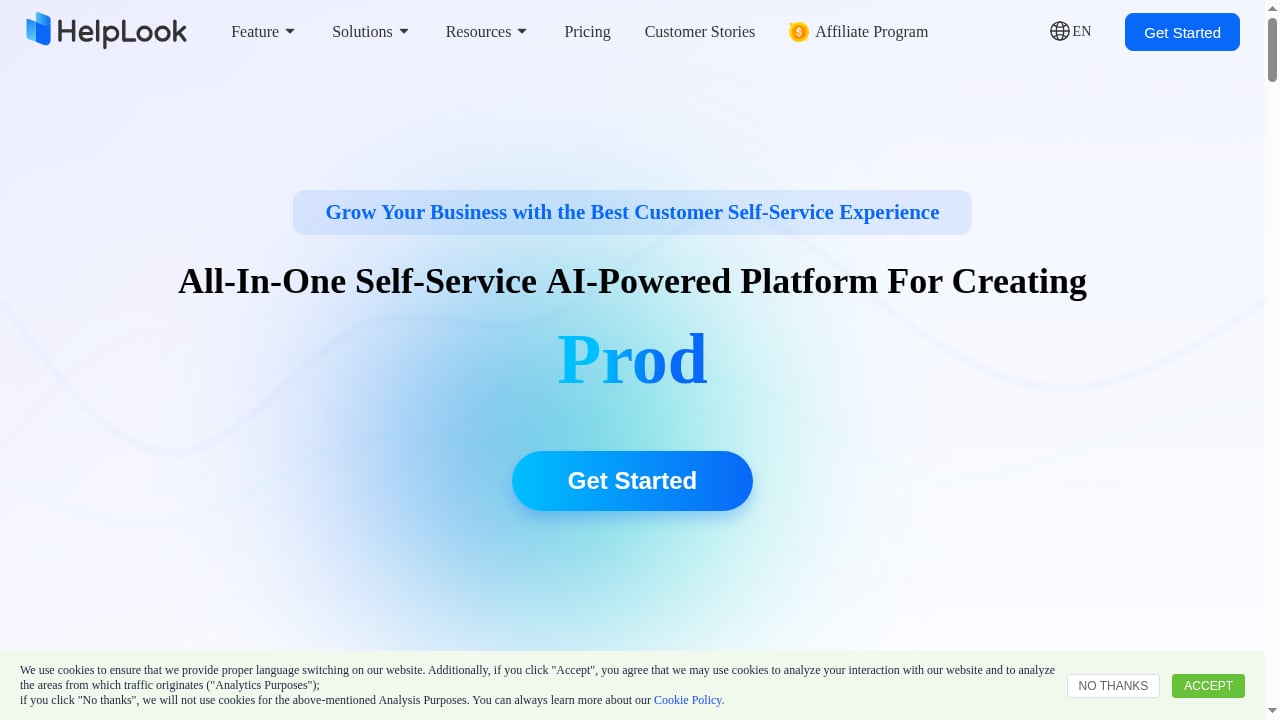
First viewport screenshot of www.helplook.com.
HelpLook is a no-code SaaS platform for building public or private knowledge bases, help centers, product manuals, and internal documentation. Its differentiator is the combination of a WYSIWYG and Markdown editor with AI-powered search and Q&A, so the same content that ranks in search also answers customer questions inside a portal or embedded widget.
Strengths
- Content-first architecture. HelpLook is built around creating and maintaining knowledge, not around ticket queues. Teams that win on documentation quality get a direct fit.
- AI search and Q&A. GPT-3.5/4.0 and Wenxin Yiyan integration lets visitors ask questions and receive answers grounded in your published content.
- Customizable branded portal. Custom domains, branding, and SEO settings turn the help center into an acquisition channel as well as a support asset.
- Embeddable widget. A website widget can surface the knowledge base or an AI chatbot without a separate front-end build.
- Permission management and analytics. Private knowledge bases, role controls, and usage analytics support internal and external use cases.
- Security and adoption signals. ISO/IEC 27001 certification, 10,000+ companies, a 4.9/5 rating on PartnerShare, and a 5/5 rating on ProductHunt.
- Accessible pricing. A free tier and subscriptions from ¥99 to ¥499 per month per site make it easy to start small.
Limitations to weigh
- HelpLook is not a full ticketing or helpdesk system. If your team needs SLA-driven ticket workflows, you will pair it with a helpdesk rather than replace one.
- Deep multi-step transactional actions, such as processing refunds or changing account data, are outside its core scope.
For a broader look at how knowledge base tools compare, see HelpLook vs ProProfs: AI Knowledge Base & Help Desk Comparison.
Botpress: enterprise-grade AI agent platform for customer support
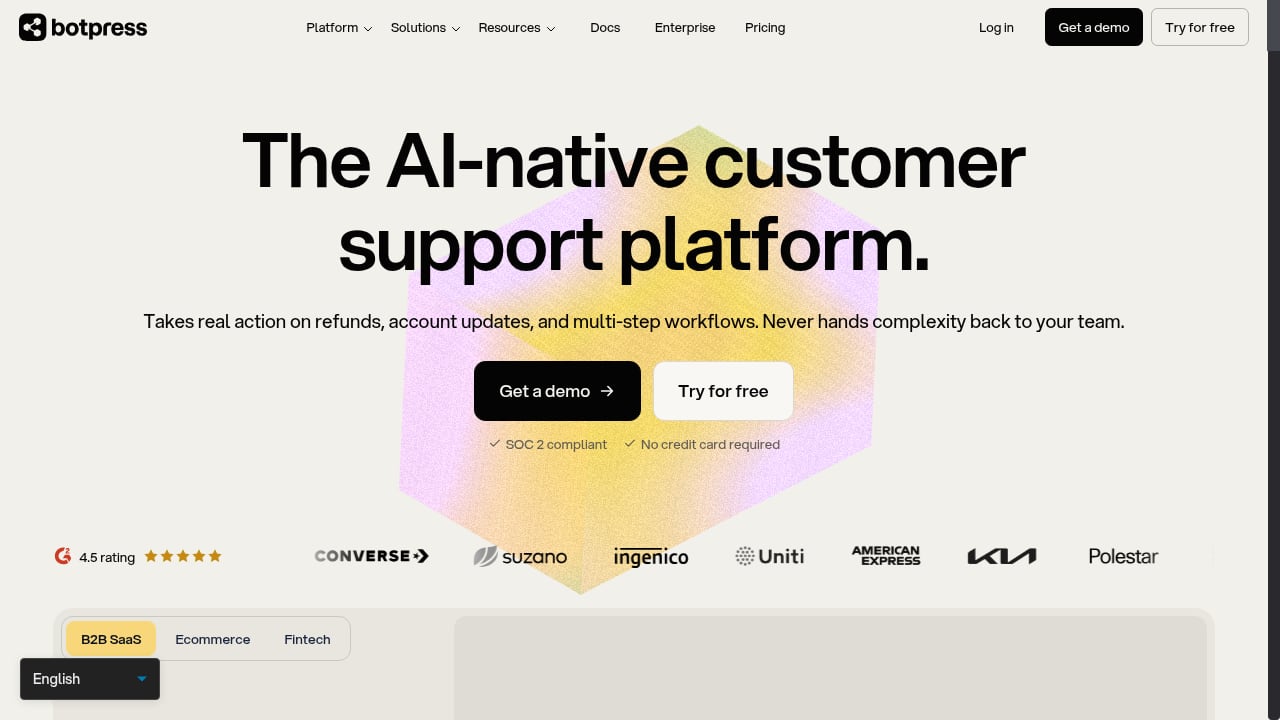
First viewport screenshot of botpress.com.
Botpress positions itself as an AI agent platform built by an AI agent company that also built a helpdesk, rather than a legacy helpdesk that added AI. Its pitch is no technical ceiling and no per-seat cost.
Strengths
- Autonomous resolution of complex tickets. Botpress agents handle refunds, account updates, and multi-step workflows, not just FAQ deflection.
- Hot handoff with full context. When escalation is needed, the human agent receives conversation history, account details, and troubleshooting steps already attempted.
- No per-seat pricing. Costs scale with conversations rather than headcount, which suits teams planning to grow support staff.
- Works with or without an existing helpdesk. It connects to tools like Zendesk or Intercom via OAuth, or runs as a standalone helpdesk, so migration is optional.
- Enterprise reliability. SOC 2 compliance, GDPR alignment, penetration testing, and AWS-based auto-scaling infrastructure.
- No-code agent building. Agents can be built with natural language and connected via OAuth without dedicated engineering resources.
- Track record. The company cites 750,000 AI agents built and 10 years of AI infrastructure experience.
Limitations to weigh
- Conversation-based pricing requires volume forecasting; costs can be harder to predict than a flat subscription.
- Teams without internal technical resources may need implementation support for advanced configuration, and documentation gaps can slow complex setups.
- Botpress is optimized for conversational resolution, not for publishing a search-optimized public knowledge base.
TeamSupport: B2B customer support and intelligence
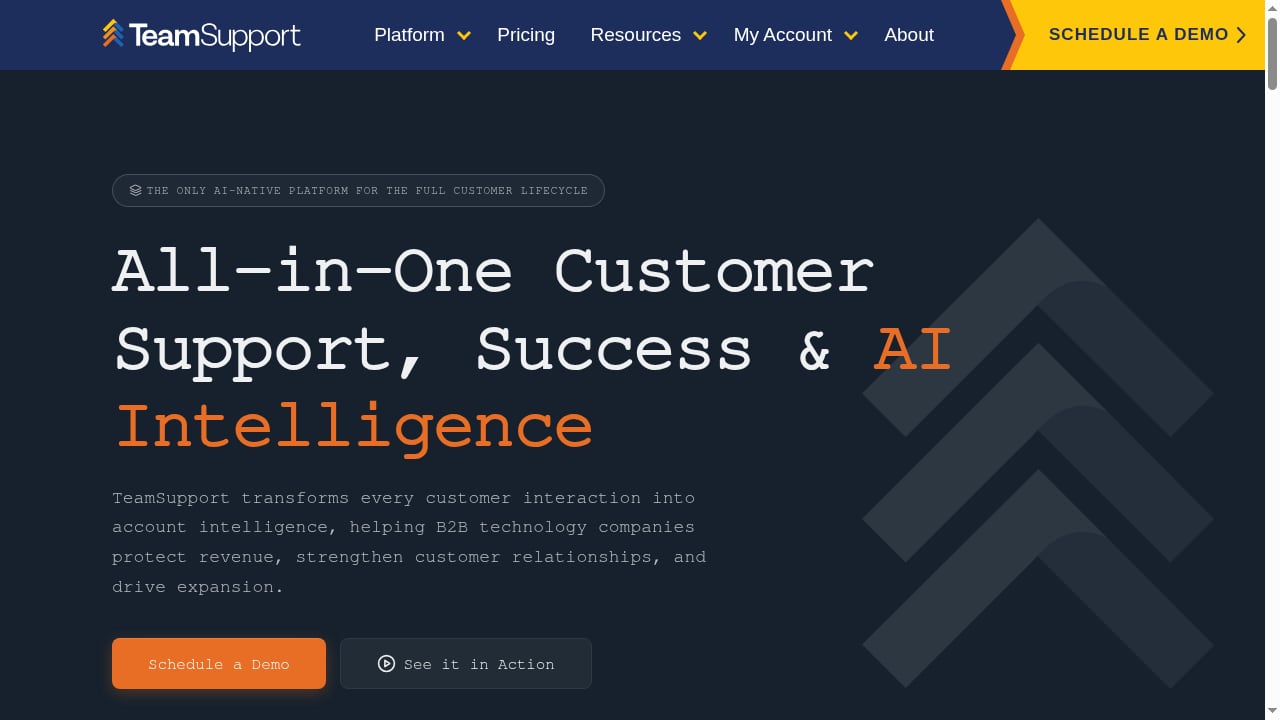
First viewport screenshot of www.teamsupport.com.
TeamSupport is a customer operations and intelligence AI platform aimed at B2B companies, with a focus on aligning support, success, and revenue teams around shared customer context.
Strengths
- Account-centric design. B2B support often hinges on understanding the whole customer relationship, not a single ticket. TeamSupport is built around that model.
- Cross-team alignment. It is designed to connect support, success, and revenue teams so customer intelligence is shared rather than siloed.
- Intelligence layer. AI is applied to customer operations data to surface patterns and context for teams managing ongoing accounts.
- Fit for B2B complexity. Organizations with tiered accounts, multiple contacts per customer, and revenue-linked support expectations get a more natural match than with consumer-oriented tools.
Limitations to weigh
- Pricing is custom and enterprise-oriented, which makes it harder to evaluate for small teams or early-stage companies.
- It is a support operations platform first; publishing a public, SEO-focused help center is not its core strength.
- Buyers wanting a lightweight, self-serve knowledge base may find it heavier than needed.
For a direct three-way look at knowledge base versus B2B support needs, see HelpLook vs KnowledgeBase vs TeamSupport: Which Fits?.
Where HelpLook has a supported advantage
Comparing all three on every criterion would be misleading, because they are built for different jobs. HelpLook has a clear, evidence-backed advantage on these criteria:
1. Publishing a branded, SEO-optimized help center
HelpLook combines a rich text and Markdown editor, custom domain, branding, and SEO settings in one no-code platform. Botpress is optimized for conversational resolution, and TeamSupport for account-centric operations; neither is positioned around search-visible public documentation.
2. AI answers grounded in your own content
HelpLook's AI search and Q&A draws on your knowledge base and can be embedded through a website widget. This is a content-grounded approach rather than an autonomous action agent, which makes it a better fit when accuracy and source control matter more than transactional automation.
3. Fast, low-risk adoption
A free tier and subscriptions from ¥99 to ¥499 per month per site let a team launch a help center without a sales cycle. Botpress uses conversation-based pricing, and TeamSupport uses custom enterprise pricing, so both require more forecasting or procurement effort up front.
4. One platform for public and internal knowledge
HelpLook supports public help centers, product manuals, enterprise blogs, and private internal knowledge bases with permission management. Teams that need both external documentation and an internal wiki get a single tool rather than two.
Where Botpress and TeamSupport are stronger
Honest comparison means naming the criteria where HelpLook is not the best choice:
- Autonomous multi-step actions: Botpress resolves refunds, account updates, and multi-step workflows end to end. HelpLook answers questions; Botpress acts.
- Ticket management and helpdesk workflows: Botpress Desk and TeamSupport both provide ticket management. HelpLook is a knowledge platform, not a ticketing system.
- B2B account intelligence: TeamSupport aligns support, success, and revenue teams around account context. HelpLook does not model revenue teams or account hierarchies.
- Conversation-based cost scaling: Botpress's no-per-seat model can be more economical for large support teams than seat-based tools, though it requires volume forecasting.
How to choose: a decision framework
Use your primary support motion to narrow the field:
- If customers mostly need answers, not transactions, start with HelpLook. You get a branded help center, AI Q&A, and SEO value from one platform, and you can add a helpdesk later if ticket volume grows.
- If customers need actions completed, such as refunds or account changes, Botpress is the stronger fit. Its agent platform is designed for resolution workflows and context-rich handoffs.
- If support is account-centric and revenue-linked, TeamSupport aligns better with B2B operations where success and sales teams share customer context.
- If you need more than one, combine them. A common pattern is HelpLook for public documentation and AI Q&A, plus a conversational agent or helpdesk for transactional tickets. See How to Use HelpLook with CoSupport AI: Setup & Workflow for an example of pairing a knowledge base with support automation.
Practical examples
- SaaS onboarding: A SaaS company publishes product guides and FAQs in HelpLook, embeds the AI widget on its marketing site, and reduces repetitive onboarding questions while gaining organic search traffic.
- E-commerce refunds: A retailer uses Botpress to handle order status, refunds, and address changes autonomously, escalating edge cases with full context to human agents.
- B2B account support: A B2B vendor uses TeamSupport to give support and success teams a shared view of each account, so escalations carry commercial context.
- Regulated documentation: A healthcare or financial services team uses HelpLook's permission management and ISO/IEC 27001 certification to run internal and external knowledge bases with controlled access.
Related reading
- Slite Review 2026: AI Knowledge Base Pros, Cons & Fit - Evidence-based Slite review: ideal users, use cases, strengths, limitations, pricing signals, setup, and decision criteria for AI knowledge base software.
- Compliance Administrator: Role, Duties & Knowledge Base - Learn what a compliance administrator does, how the role differs from full admin access, and how an AI knowledge base keeps compliance evidence and answers audit-ready.
- Top 10 Help Authoring & Technical Documentation Software 2026 - Discover the best help authoring and technical documentation tools for 2026. Compare features, outputs, and use cases to find your perfect fit.
Sources and further reading
- Botpress | The enterprise-grade AI agent platform for customer support - Botpress is the enterprise-grade AI agent platform for customer support, with no technical ceiling and no per-seat cost.
- The 11 Best AI Agents for Customer Support in 2026 - We tested the 11 best AI agents for customer service: here's how they compare on features, pricing, and real-world trade-offs.
- Best ai customer service agents for 2026 (12 tools compared) - Guideflow Blog - AI customer service agents claim high resolution rates, but the real differentiators are rarely what vendors advertise. Twelve platforms, compared.
FAQ
Is HelpLook a replacement for Botpress?
No. HelpLook is an AI knowledge base and help center platform, while Botpress is an AI agent platform for resolving support conversations. They solve different problems and are often complementary.
Can HelpLook handle customer support tickets?
HelpLook is not a ticketing system. It reduces ticket volume by publishing accurate answers and AI-powered Q&A, but teams with SLA-driven ticket workflows should pair it with a helpdesk.
Which platform is best for B2B companies?
TeamSupport is purpose-built for B2B customer operations and intelligence. HelpLook fits B2B teams that primarily need documentation and self-service, and Botpress fits B2B teams that need autonomous conversational resolution.
How does pricing compare?
HelpLook offers a free tier and subscriptions from ¥99 to ¥499 per month per site. Botpress uses per-conversation pricing with no per-seat cost. TeamSupport uses custom enterprise pricing.
Does HelpLook support AI chatbots on a website?
Yes. HelpLook provides a website widget that can embed the knowledge base or an AI chatbot, with AI search and Q&A powered by GPT-3.5/4.0 and Wenxin Yiyan.
Which tool is best for SEO?
HelpLook includes SEO settings and a customizable branded portal, making it the most direct fit among the three for building search-visible help content.
Conclusion
HelpLook, Botpress, and TeamSupport are not three versions of the same product. HelpLook is the strongest choice when your support strategy depends on publishing accurate, search-optimized knowledge and answering questions with AI grounded in that content. Botpress is the stronger choice when customers need multi-step actions resolved autonomously with clean human handoff. TeamSupport is the stronger choice when B2B account context and cross-team alignment drive your support model.
Choose based on the work your team actually does, and combine platforms where the gaps are real. For teams starting with documentation, HelpLook's AI knowledge base offers a low-risk entry point that can grow into a broader support stack.
;}.cls-2{fill:%230868f7;}.cls-3{fill:url(%23未命名的渐变_44);}.cls-4{fill:%23333;}%3c/style%3e%3clinearGradient%20id='未命名的渐变_8'%20x1='33.73'%20y1='100.61'%20x2='-0.03'%20y2='-1.06'%20gradientUnits='userSpaceOnUse'%3e%3cstop%20offset='0'%20stop-color='%237ae9fb'/%3e%3cstop%20offset='0.67'%20stop-color='%232b90f8'/%3e%3cstop%20offset='1'%20stop-color='%230868f7'/%3e%3c/linearGradient%3e%3clinearGradient%20id='未命名的渐变_44'%20x1='27.86'%20y1='18.67'%20x2='68.36'%20y2='22.22'%20gradientUnits='userSpaceOnUse'%3e%3cstop%20offset='0'%20stop-color='%235ac7f2'/%3e%3cstop%20offset='1'%20stop-color='%230868f7'/%3e%3c/linearGradient%3e%3c/defs%3e%3cpath%20class='cls-1'%20d='M29,28.74V81.91l-9.51-3.68v0L8.52,74A7.17,7.17,0,0,1,4,67.32V24.54A3.76,3.76,0,0,1,9.08,21Z'/%3e%3cpath%20class='cls-2'%20d='M68.09,78.07a13.15,13.15,0,0,1-17.9,12.06L29,81.91h0V28.74L50.19,37A13.17,13.17,0,0,0,68.08,25.3h0Z'/%3e%3cpath%20class='cls-3'%20d='M68.08,25.3a13.19,13.19,0,0,1-6.73,10.87A13.09,13.09,0,0,1,50.19,37L29,28.74V6A3.76,3.76,0,0,1,34.1,2.52l25.59,9.91A13.22,13.22,0,0,1,68.08,25.3Z'/%3e%3cpath%20class='cls-4'%20d='M129.06,81.76a4.33,4.33,0,0,1-3.19-1.31,4.4,4.4,0,0,1-1.31-3.24V56.86H97.65V77.21a4.36,4.36,0,0,1-1.35,3.2A4.68,4.68,0,0,1,93,81.76a4.32,4.32,0,0,1-3.19-1.31,4.37,4.37,0,0,1-1.32-3.24V27.27A4.58,4.58,0,0,1,89.83,24a4.59,4.59,0,0,1,7.82,3.27V48.15h26.91V27.27A4.58,4.58,0,0,1,125.91,24a4.59,4.59,0,0,1,7.82,3.27V77.21a4.37,4.37,0,0,1-1.36,3.2A4.65,4.65,0,0,1,129.06,81.76Z'/%3e%3cpath%20class='cls-4'%20d='M163.77,81.66c-6.57,0-11.76-1.92-15.44-5.7s-5.54-9.07-5.54-15.74a26.76,26.76,0,0,1,2.09-10.43,17.72,17.72,0,0,1,6.67-8.06,19.15,19.15,0,0,1,10.68-2.95,19,19,0,0,1,10.46,2.8,18.7,18.7,0,0,1,6.55,7.36,22.53,22.53,0,0,1,2.36,10.28A4.51,4.51,0,0,1,177,63.77H152.23a10.8,10.8,0,0,0,3.49,6.65c2,1.68,4.88,2.52,8.66,2.52a22.25,22.25,0,0,0,7.54-1.21c.74-.3,1.55-.67,2.37-1.07a3.75,3.75,0,0,1,1.84-.4,4.09,4.09,0,0,1,3,1.15,4,4,0,0,1,1.12,3,4.38,4.38,0,0,1-2.58,3.82,32.34,32.34,0,0,1-6.36,2.61A28.67,28.67,0,0,1,163.77,81.66ZM172.4,55.9a9.72,9.72,0,0,0-1.63-4.56A9.9,9.9,0,0,0,167,48a10.38,10.38,0,0,0-4.64-1.14,12,12,0,0,0-4.77,1.06,9.54,9.54,0,0,0-4.89,5.66,11.78,11.78,0,0,0-.51,2.3Z'/%3e%3cpath%20class='cls-4'%20d='M193,81.64a4.49,4.49,0,0,1-4.51-4.55V27.28A4.58,4.58,0,0,1,189.84,24a4.48,4.48,0,0,1,3.28-1.36A4.36,4.36,0,0,1,196.35,24a4.46,4.46,0,0,1,1.31,3.31V77.09a4.34,4.34,0,0,1-1.35,3.2A4.67,4.67,0,0,1,193,81.64Z'/%3e%3cpath%20class='cls-4'%20d='M263.79,81.71a5.7,5.7,0,0,1-4.2-1.74,5.76,5.76,0,0,1-1.73-4.19V27.37a4.58,4.58,0,0,1,1.35-3.27A4.59,4.59,0,0,1,267,27.37V72.53h24a4.58,4.58,0,0,1,3.27,7.82A4.66,4.66,0,0,1,291,81.71Z'/%3e%3cpath%20class='cls-4'%20d='M424.48,81.74a4.71,4.71,0,0,1-2.71-.88,5.43,5.43,0,0,1-1-1l-.07-.09-12.41-17-5.41,5v9.44a4.31,4.31,0,0,1-1.36,3.19,4.66,4.66,0,0,1-3.3,1.36A4.29,4.29,0,0,1,395,80.42a4.36,4.36,0,0,1-1.32-3.23V27.37A4.58,4.58,0,0,1,395,24.1a4.52,4.52,0,0,1,6.58.12,4.54,4.54,0,0,1,1.24,3.15V56.31l17.72-16.38.05,0a4.8,4.8,0,0,1,2.94-1.11,4.4,4.4,0,0,1,3.27,1.2,4.57,4.57,0,0,1,1.2,3.27,4.44,4.44,0,0,1-.77,2.33,7.45,7.45,0,0,1-1.43,1.65l-11,9.64,13.34,17.68a5,5,0,0,1,1,2.71,4.12,4.12,0,0,1-1.36,3.24A4.64,4.64,0,0,1,424.48,81.74Z'/%3e%3cpath%20class='cls-4'%20d='M317.93,81.76a21.5,21.5,0,1,1,21.17-21.5A21.37,21.37,0,0,1,317.93,81.76Zm0-34.1a12.61,12.61,0,1,0,12.42,12.6A12.52,12.52,0,0,0,317.93,47.66Z'/%3e%3cpath%20class='cls-4'%20d='M212.18,101.22a4.12,4.12,0,0,1-3.05-1.26,4.17,4.17,0,0,1-1.26-3.1V43.34a4.37,4.37,0,0,1,1.3-3.14,4.26,4.26,0,0,1,3.13-1.3,4.19,4.19,0,0,1,3.1,1.26,4.32,4.32,0,0,1,1.26,3.16,20.77,20.77,0,0,1,13-4.54,21.51,21.51,0,0,1,0,43,20.51,20.51,0,0,1-13-4.57V96.86a4.15,4.15,0,0,1-1.3,3.06A4.5,4.5,0,0,1,212.18,101.22Zm17.43-53.63c-6.23,0-12.93,4.11-12.93,12.72a12.73,12.73,0,0,0,25.46,0A12.71,12.71,0,0,0,229.61,47.59Z'/%3e%3cpath%20class='cls-4'%20d='M365.76,81.76a21.5,21.5,0,1,1,21.18-21.5A21.37,21.37,0,0,1,365.76,81.76Zm0-34.1a12.61,12.61,0,1,0,12.42,12.6A12.52,12.52,0,0,0,365.76,47.66Z'/%3e%3c/svg%3e)