
HelpLook vs KnowledgeBase vs TeamSupport: Which Fits?
HelpLook vs KnowledgeBase vs TeamSupport: Which Fits Your Support Stack?
Choosing between HelpLook, KnowledgeBase, and TeamSupport can feel like comparing a Swiss Army knife, a scalpel, and a full workshop. Each tool solves a different part of the customer support puzzle. This comparison breaks down where each platform shines, where it falls short, and how to match one to your team's actual workflow.
Quick Comparison at a Glance
| Capability | HelpLook | KnowledgeBase | TeamSupport |
|---|---|---|---|
| Primary focus | AI knowledge base & help center | AI knowledge base & hosted help center | B2B customer operations & intelligence |
| AI chatbot | Yes (GPT-3.5/4.0, Wenxin Yiyan) | QuickAnswer search | AI productivity tools & auto-resolution |
| Ticketing | No | No | Yes |
| Custom branding | Yes | Yes | Yes (customer portal) |
| Multi-language | Yes | Not specified | Not specified |
| Pricing model | SaaS subscription | From $49/mo (annual), unlimited users | From $125/mo, annual billing |
| Best for | Content-driven support & self-service | Small teams wanting low-cost knowledge base | B2B tech companies managing complex accounts |
Search Intent: What This Comparison Is Really About
People searching for "HelpLook vs KnowledgeBase vs TeamSupport" are usually in one of three situations:
- They need a knowledge base or help center and are weighing AI-powered options.
- They run a B2B support team and need ticketing plus account intelligence, not just articles.
- They want to consolidate tools and are checking whether one platform can replace two.
The three products overlap less than the search query suggests. HelpLook and KnowledgeBase are knowledge-first platforms. TeamSupport is a support-operations platform with a knowledge base attached. Understanding that split is the key to making a good decision.
HelpLook: AI Knowledge Base and Help Center
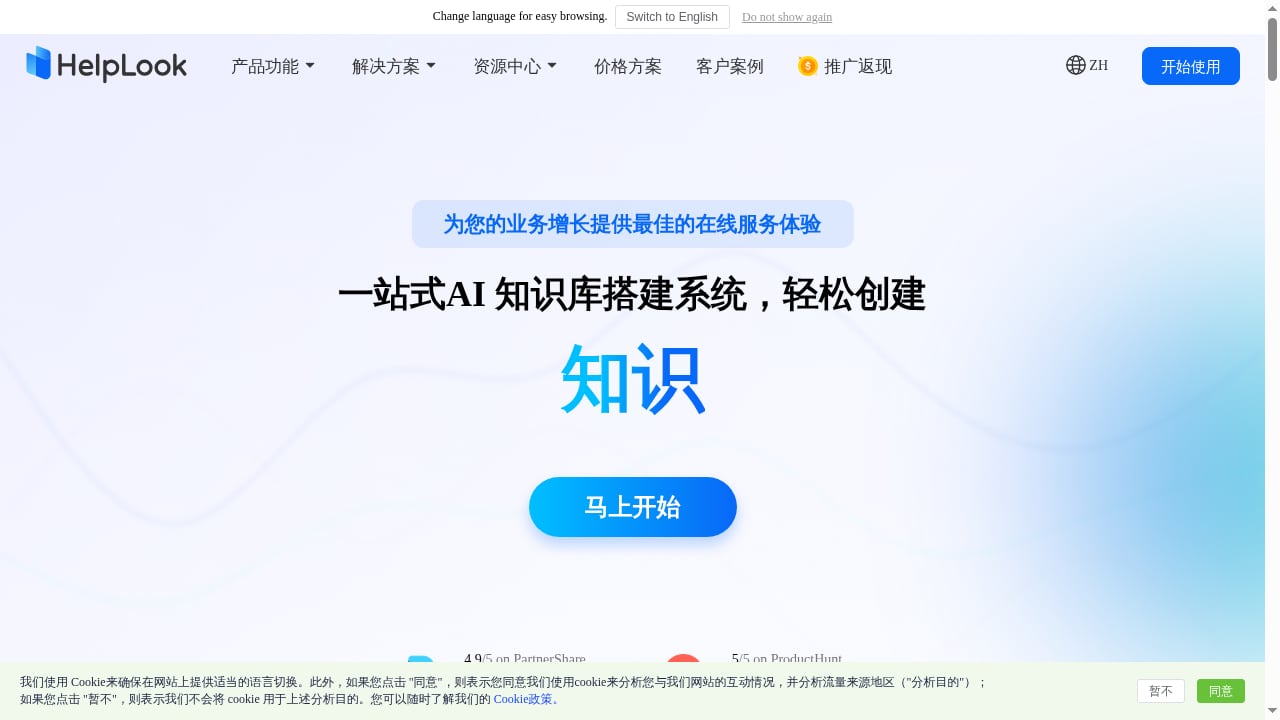
First viewport screenshot of www.helplook.net.
HelpLook is a no-code SaaS platform for building AI-powered knowledge bases, help centers, internal wikis, enterprise blogs, and e-commerce product manuals. It targets content creators, operations teams, customer support teams, and enterprises in SaaS, legal, healthcare, financial services, and education.
Strengths:
- AI chatbot built in. Integrated with GPT-3.5/4.0 and Wenxin Yiyan, the chatbot answers customer questions instantly, which can reduce support costs.
- Dual public/private portals. You can run an external help center and an internal wiki from the same platform with access control.
- SEO and indexing. Built-in SEO settings and automatic search engine indexing help public help content get found.
- Multi-language support. Useful for global teams and multilingual product manuals.
- Analytics and export. Data analytics plus PDF/HTML export for offline or archival use.
- Embeddable widgets. Website widgets let you surface knowledge and AI answers directly on your site.
- Security posture. ISO/IEC 27001 certification and claims of 10,000+ companies using the platform.
Where it fits best: Teams whose main support challenge is content — writing, organizing, translating, and surfacing answers — rather than managing a ticket queue.
KnowledgeBase: Low-Cost AI Knowledge Base for SMBs
KnowledgeBase product interface.
KnowledgeBase is an AI-powered knowledge base and hosted help center designed for fast customer support and self-service. It lets businesses create, manage, and share product information internally for support teams and externally for customers.
Strengths:
- Simple pricing. One plan with unlimited users and articles, starting at 49/month billed annually (59/month monthly) for one knowledge base. Additional knowledge bases are available for purchase.
- AI content editor. An easy-to-use editor lowers the barrier for non-technical writers.
- QuickAnswer. Improves search so customers find answers faster.
- Branding customization. The help center can be styled to match your brand.
- Ecosystem integrations. Connects with LiveChat, ChatBot.com, and HelpDesk.com, which suits teams already using those tools.
- Multiple knowledge bases and reporting. Useful for organizations that need separate knowledge bases per product or audience.
- Free 14-day trial. Low-risk way to evaluate fit.
Where it fits best: Small and medium companies that want a clean, affordable knowledge base without a complex ticketing suite. The unlimited users and articles on a single plan make budgeting predictable.
TeamSupport: B2B Customer Operations and Intelligence
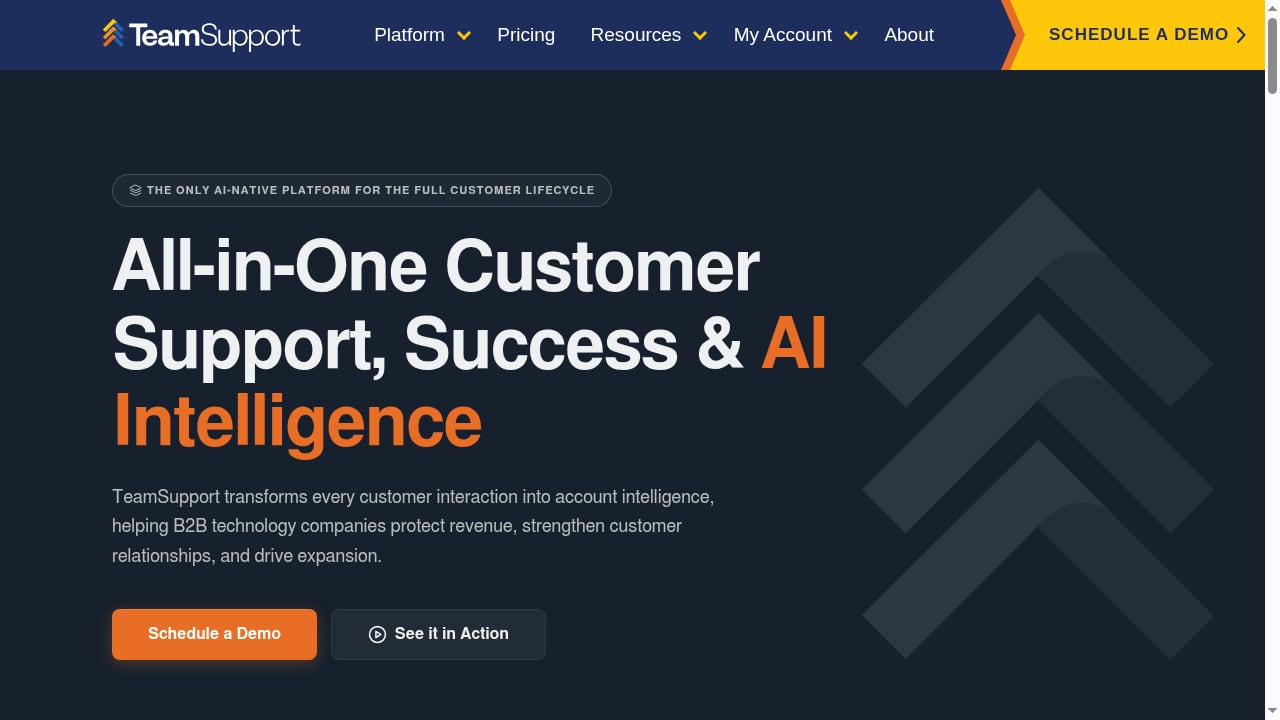
First viewport screenshot of Turn Customer Conversations Into Competitive Advantage | TeamSupport.
TeamSupport is an AI-native customer operations and intelligence platform built for B2B technology companies. It unifies support, success, and revenue teams by turning every customer interaction into account intelligence.
Strengths:
- Account-level intelligence. Tracks setup friction, prioritizes accounts by business impact and ARR at risk, monitors distress signals to prevent churn, and identifies upsell readiness.
- Full lifecycle coverage. Onboarding, support, renewal, and expansion in one platform.
- Ticketing and live chat. Core support operations are built in, alongside a customer portal, playbooks, insights dashboards, and automation.
- AI productivity tools. Reported 76% AI agent CSAT score, 6 hours saved per agent per week, 10% auto-resolution rate, and 40% reduction in support costs.
- Integrations. Connects with Salesforce, Jira, HubSpot, and Zendesk.
- B2B specialization. Designed for complex enterprise accounts where a single account can represent hundreds of thousands in ARR.
- Proof points. Trusted by 1,200+ B2B technology teams, with pricing starting at $125/month across Starter, Professional, and Scale tiers billed annually.
Where it fits best: B2B technology companies where support is tied to revenue retention and expansion. If your team needs to know which accounts are at risk before renewal, TeamSupport's intelligence layer is the differentiator.
Where HelpLook Has a Supported Advantage
HelpLook's edge appears on criteria tied to knowledge delivery and content operations:
- AI chatbot depth. HelpLook integrates GPT-3.5/4.0 and Wenxin Yiyan for instant answers, positioning itself as a dual-core solution of knowledge base plus AI Q&A robot.
- Content format breadth. Help centers, internal wikis, enterprise blogs, and e-commerce product manuals in one platform.
- SEO and indexing. Automatic search engine indexing is a stated feature, which matters for public-facing help content.
- Multi-language support. Explicitly listed, useful for global audiences.
- Security certification. ISO/IEC 27001 certification is a concrete trust signal for regulated industries.
These advantages matter most when your support strategy leans on self-service content rather than ticket management.
Where KnowledgeBase and TeamSupport Are Stronger
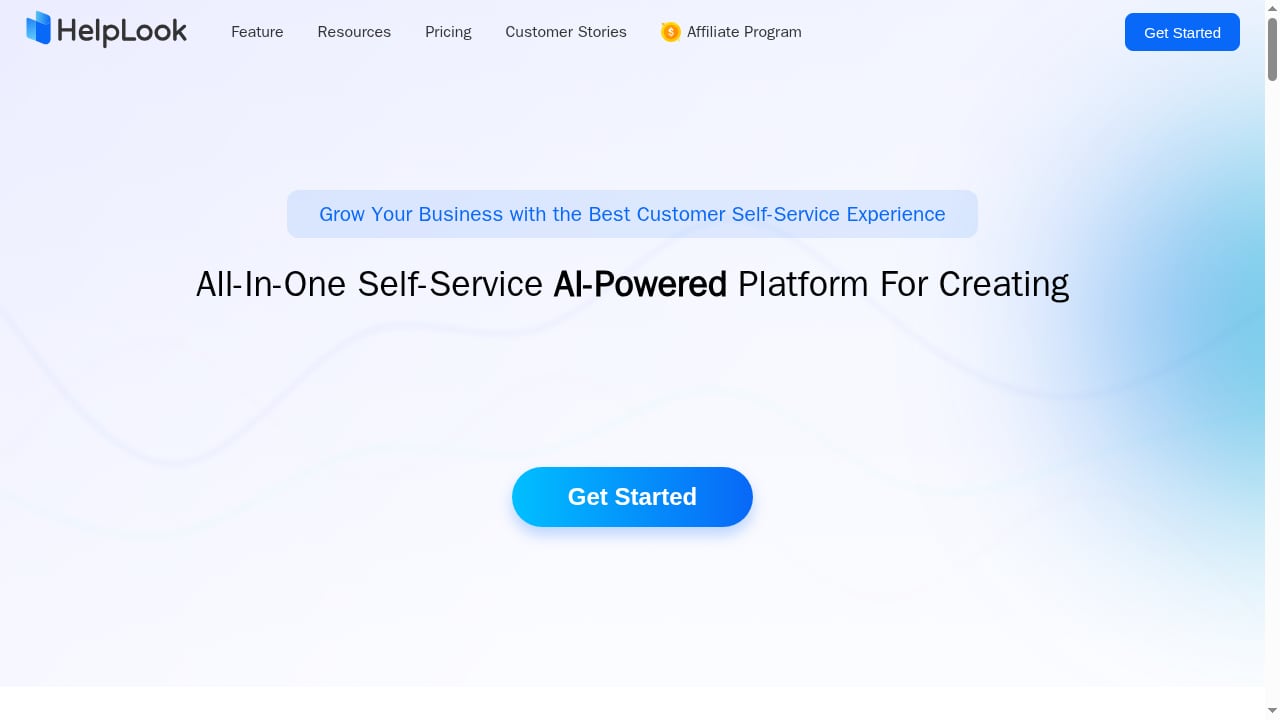
First viewport screenshot of Customize and Optimize Your AI-Powered Knowledge Base - HelpLook.
To keep this comparison honest, some criteria favor the substitutes:
- Ticketing and support operations. TeamSupport is built for this; HelpLook and KnowledgeBase are not ticketing systems.
- Account intelligence and revenue signals. TeamSupport's ARR-at-risk tracking and distress signals have no equivalent in the knowledge-first tools.
- Entry-level pricing simplicity. KnowledgeBase's single plan with unlimited users and articles is straightforward for small teams.
- Ecosystem fit. If you already use LiveChat, ChatBot.com, or HelpDesk.com, KnowledgeBase slots in naturally. If you use Salesforce, Jira, HubSpot, or Zendesk, TeamSupport does.
How to Choose: A Decision Framework
Choose HelpLook if:
- Your main goal is an AI-powered knowledge base or help center with strong content tools.
- You need public and private portals, multi-language support, and SEO-friendly help content.
- You want an AI chatbot answering customer questions without adding a ticketing suite.
Choose KnowledgeBase if:
- You are a small or medium team that wants a low-cost, easy-to-use knowledge base.
- Unlimited users and articles on one plan fits your budget model.
- You already use LiveChat, ChatBot.com, or HelpDesk.com.
Choose TeamSupport if:
- You are a B2B technology company managing complex accounts with significant ARR.
- You need ticketing, account intelligence, churn signals, and expansion insights in one platform.
- Your support team works closely with success and revenue teams.
For teams also evaluating documentation infrastructure, see our comparison of HelpLook vs Read the Docs and our Outline review for team wikis.
Practical Example: Three Support Scenarios
Scenario 1: A SaaS startup with 500 customers. The team gets repetitive questions about setup. HelpLook's AI chatbot and public help center can deflect those questions before they become tickets.
Scenario 2: A 10-person e-commerce brand. Budget is tight, and the team needs a branded help center with search. KnowledgeBase's single plan with unlimited users and articles keeps costs predictable.
Scenario 3: A B2B software company with enterprise accounts. A single account represents $200,000 in ARR. TeamSupport's distress signals and ARR-at-risk tracking help the team act before renewal conversations go sideways.
Sources and further reading
- Walk Pain-Free: The Power of an Orthotic Insole - Discover how orthotic insoles improve foot alignment, reduce pain, support full-body movement. Learn why they matter for daily comfort.
- NAPPI uk - Participant Feedback - Below is recent feedback received from our course participants. Participants were asked what things will they do differently in thier job as a result of the training:
- As a Dolphins fan is Mac Jones good? : r/Patriots - He’s good, part of this fanbase is just so spoiled from the Brady years that any QB is trash in comparison. He probably needs a true #1 receiver and a good O-Line to succeed, but that’s the reality for most QBs. Just look at Allen before Diggs, Tua before Hill/Waddle, Burrow before Chase, etc.
FAQ
Is HelpLook a ticketing system?
No. HelpLook is an AI knowledge base and help center platform. It handles content, AI answers, and self-service, not ticket queues.
Does KnowledgeBase include a chatbot?
KnowledgeBase integrates with ChatBot.com and includes QuickAnswer for improved search. Its AI capabilities are focused on knowledge search and content, not full support automation.
What makes TeamSupport different from a knowledge base?
TeamSupport is a B2B customer operations platform. It includes ticketing, account intelligence, distress signals, and revenue-focused insights, with a knowledge base as one component.
Which tool is best for a small team on a budget?
KnowledgeBase's single plan with unlimited users and articles starting at $49/month (annual) is designed for small and medium companies. HelpLook is a stronger fit if AI chatbot and multi-language support are priorities.
Can I use HelpLook and TeamSupport together?
Yes. Some teams use a knowledge platform for self-service content and a support operations platform for ticketing and account intelligence. The two solve different problems.
Does HelpLook support multiple languages?
Yes. Multi-language support is a listed feature, which is useful for global help centers and product manuals.
Conclusion
HelpLook, KnowledgeBase, and TeamSupport are not direct substitutes for one another. HelpLook leads on AI-powered knowledge delivery, content format breadth, and multi-language help centers. KnowledgeBase offers a simple, affordable knowledge base with unlimited users and articles for small teams. TeamSupport brings ticketing, account intelligence, and revenue signals for B2B companies managing complex accounts.
The right choice depends on whether your bottleneck is content, budget, or customer intelligence. Map your biggest support pain to the platform built for it, and the decision becomes much clearer.
For further reading, see the KnowledgeBase product page and TeamSupport's platform overview.
;}.cls-2{fill:%230868f7;}.cls-3{fill:url(%23未命名的渐变_44);}.cls-4{fill:%23333;}%3c/style%3e%3clinearGradient%20id='未命名的渐变_8'%20x1='33.73'%20y1='100.61'%20x2='-0.03'%20y2='-1.06'%20gradientUnits='userSpaceOnUse'%3e%3cstop%20offset='0'%20stop-color='%237ae9fb'/%3e%3cstop%20offset='0.67'%20stop-color='%232b90f8'/%3e%3cstop%20offset='1'%20stop-color='%230868f7'/%3e%3c/linearGradient%3e%3clinearGradient%20id='未命名的渐变_44'%20x1='27.86'%20y1='18.67'%20x2='68.36'%20y2='22.22'%20gradientUnits='userSpaceOnUse'%3e%3cstop%20offset='0'%20stop-color='%235ac7f2'/%3e%3cstop%20offset='1'%20stop-color='%230868f7'/%3e%3c/linearGradient%3e%3c/defs%3e%3cpath%20class='cls-1'%20d='M29,28.74V81.91l-9.51-3.68v0L8.52,74A7.17,7.17,0,0,1,4,67.32V24.54A3.76,3.76,0,0,1,9.08,21Z'/%3e%3cpath%20class='cls-2'%20d='M68.09,78.07a13.15,13.15,0,0,1-17.9,12.06L29,81.91h0V28.74L50.19,37A13.17,13.17,0,0,0,68.08,25.3h0Z'/%3e%3cpath%20class='cls-3'%20d='M68.08,25.3a13.19,13.19,0,0,1-6.73,10.87A13.09,13.09,0,0,1,50.19,37L29,28.74V6A3.76,3.76,0,0,1,34.1,2.52l25.59,9.91A13.22,13.22,0,0,1,68.08,25.3Z'/%3e%3cpath%20class='cls-4'%20d='M129.06,81.76a4.33,4.33,0,0,1-3.19-1.31,4.4,4.4,0,0,1-1.31-3.24V56.86H97.65V77.21a4.36,4.36,0,0,1-1.35,3.2A4.68,4.68,0,0,1,93,81.76a4.32,4.32,0,0,1-3.19-1.31,4.37,4.37,0,0,1-1.32-3.24V27.27A4.58,4.58,0,0,1,89.83,24a4.59,4.59,0,0,1,7.82,3.27V48.15h26.91V27.27A4.58,4.58,0,0,1,125.91,24a4.59,4.59,0,0,1,7.82,3.27V77.21a4.37,4.37,0,0,1-1.36,3.2A4.65,4.65,0,0,1,129.06,81.76Z'/%3e%3cpath%20class='cls-4'%20d='M163.77,81.66c-6.57,0-11.76-1.92-15.44-5.7s-5.54-9.07-5.54-15.74a26.76,26.76,0,0,1,2.09-10.43,17.72,17.72,0,0,1,6.67-8.06,19.15,19.15,0,0,1,10.68-2.95,19,19,0,0,1,10.46,2.8,18.7,18.7,0,0,1,6.55,7.36,22.53,22.53,0,0,1,2.36,10.28A4.51,4.51,0,0,1,177,63.77H152.23a10.8,10.8,0,0,0,3.49,6.65c2,1.68,4.88,2.52,8.66,2.52a22.25,22.25,0,0,0,7.54-1.21c.74-.3,1.55-.67,2.37-1.07a3.75,3.75,0,0,1,1.84-.4,4.09,4.09,0,0,1,3,1.15,4,4,0,0,1,1.12,3,4.38,4.38,0,0,1-2.58,3.82,32.34,32.34,0,0,1-6.36,2.61A28.67,28.67,0,0,1,163.77,81.66ZM172.4,55.9a9.72,9.72,0,0,0-1.63-4.56A9.9,9.9,0,0,0,167,48a10.38,10.38,0,0,0-4.64-1.14,12,12,0,0,0-4.77,1.06,9.54,9.54,0,0,0-4.89,5.66,11.78,11.78,0,0,0-.51,2.3Z'/%3e%3cpath%20class='cls-4'%20d='M193,81.64a4.49,4.49,0,0,1-4.51-4.55V27.28A4.58,4.58,0,0,1,189.84,24a4.48,4.48,0,0,1,3.28-1.36A4.36,4.36,0,0,1,196.35,24a4.46,4.46,0,0,1,1.31,3.31V77.09a4.34,4.34,0,0,1-1.35,3.2A4.67,4.67,0,0,1,193,81.64Z'/%3e%3cpath%20class='cls-4'%20d='M263.79,81.71a5.7,5.7,0,0,1-4.2-1.74,5.76,5.76,0,0,1-1.73-4.19V27.37a4.58,4.58,0,0,1,1.35-3.27A4.59,4.59,0,0,1,267,27.37V72.53h24a4.58,4.58,0,0,1,3.27,7.82A4.66,4.66,0,0,1,291,81.71Z'/%3e%3cpath%20class='cls-4'%20d='M424.48,81.74a4.71,4.71,0,0,1-2.71-.88,5.43,5.43,0,0,1-1-1l-.07-.09-12.41-17-5.41,5v9.44a4.31,4.31,0,0,1-1.36,3.19,4.66,4.66,0,0,1-3.3,1.36A4.29,4.29,0,0,1,395,80.42a4.36,4.36,0,0,1-1.32-3.23V27.37A4.58,4.58,0,0,1,395,24.1a4.52,4.52,0,0,1,6.58.12,4.54,4.54,0,0,1,1.24,3.15V56.31l17.72-16.38.05,0a4.8,4.8,0,0,1,2.94-1.11,4.4,4.4,0,0,1,3.27,1.2,4.57,4.57,0,0,1,1.2,3.27,4.44,4.44,0,0,1-.77,2.33,7.45,7.45,0,0,1-1.43,1.65l-11,9.64,13.34,17.68a5,5,0,0,1,1,2.71,4.12,4.12,0,0,1-1.36,3.24A4.64,4.64,0,0,1,424.48,81.74Z'/%3e%3cpath%20class='cls-4'%20d='M317.93,81.76a21.5,21.5,0,1,1,21.17-21.5A21.37,21.37,0,0,1,317.93,81.76Zm0-34.1a12.61,12.61,0,1,0,12.42,12.6A12.52,12.52,0,0,0,317.93,47.66Z'/%3e%3cpath%20class='cls-4'%20d='M212.18,101.22a4.12,4.12,0,0,1-3.05-1.26,4.17,4.17,0,0,1-1.26-3.1V43.34a4.37,4.37,0,0,1,1.3-3.14,4.26,4.26,0,0,1,3.13-1.3,4.19,4.19,0,0,1,3.1,1.26,4.32,4.32,0,0,1,1.26,3.16,20.77,20.77,0,0,1,13-4.54,21.51,21.51,0,0,1,0,43,20.51,20.51,0,0,1-13-4.57V96.86a4.15,4.15,0,0,1-1.3,3.06A4.5,4.5,0,0,1,212.18,101.22Zm17.43-53.63c-6.23,0-12.93,4.11-12.93,12.72a12.73,12.73,0,0,0,25.46,0A12.71,12.71,0,0,0,229.61,47.59Z'/%3e%3cpath%20class='cls-4'%20d='M365.76,81.76a21.5,21.5,0,1,1,21.18-21.5A21.37,21.37,0,0,1,365.76,81.76Zm0-34.1a12.61,12.61,0,1,0,12.42,12.6A12.52,12.52,0,0,0,365.76,47.66Z'/%3e%3c/svg%3e)