
HelpLook vs Read the Docs: AI Help Center or Docs Infrastructure?
HelpLook vs Read the Docs: AI Help Center or Documentation Infrastructure?
Choosing between HelpLook and Read the Docs depends on what you need to publish. HelpLook is a no-code AI knowledge base and help center platform for customer-facing self-service content, while Read the Docs is a documentation infrastructure layer that builds and hosts docs from Git repositories. This comparison breaks down their strengths, weaknesses, pricing, and ideal use cases so you can pick the right tool for your team.
What Is HelpLook?
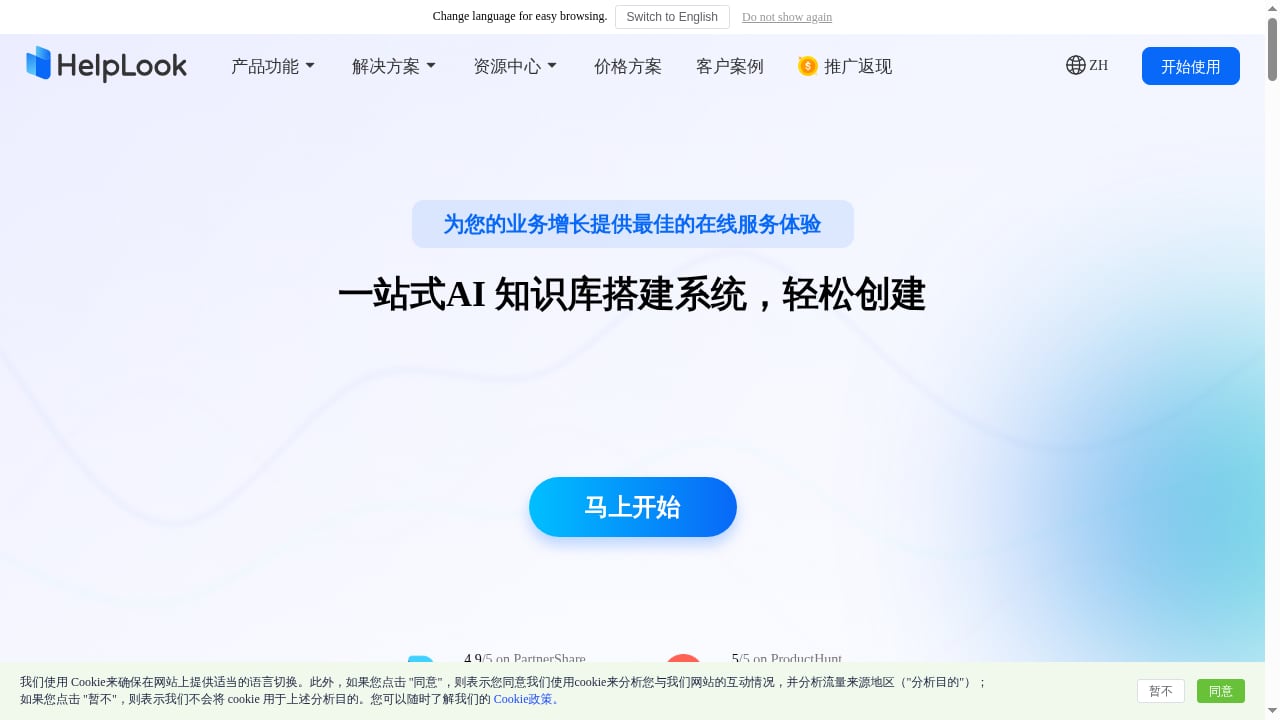
First viewport screenshot of Create and optimize your AI knowledge base | HelpLook official site.
HelpLook is a no-code AI knowledge base and help center platform. It lets businesses create, manage, and publish self-service support content such as help centers, FAQs, user manuals, product documentation, enterprise blogs, and internal knowledge bases. Key capabilities include:
- WYSIWYG editor for non-technical content creators
- AI-powered search and chatbot (integrates GPT-3.5/4.0 and Wenxin Yiyan models) to answer user queries instantly
- Customizable website portal and embeddable website widget
- SEO optimization tools to help content rank in search engines
- Multi-language support and access control
- Data analytics to track content performance
HelpLook is ISO/IEC 27001 certified, provides TLS encryption and data backup, and offers a free tier with paid plans starting at ¥99/month. Over 10,000 companies use the platform.
What Is Read the Docs?
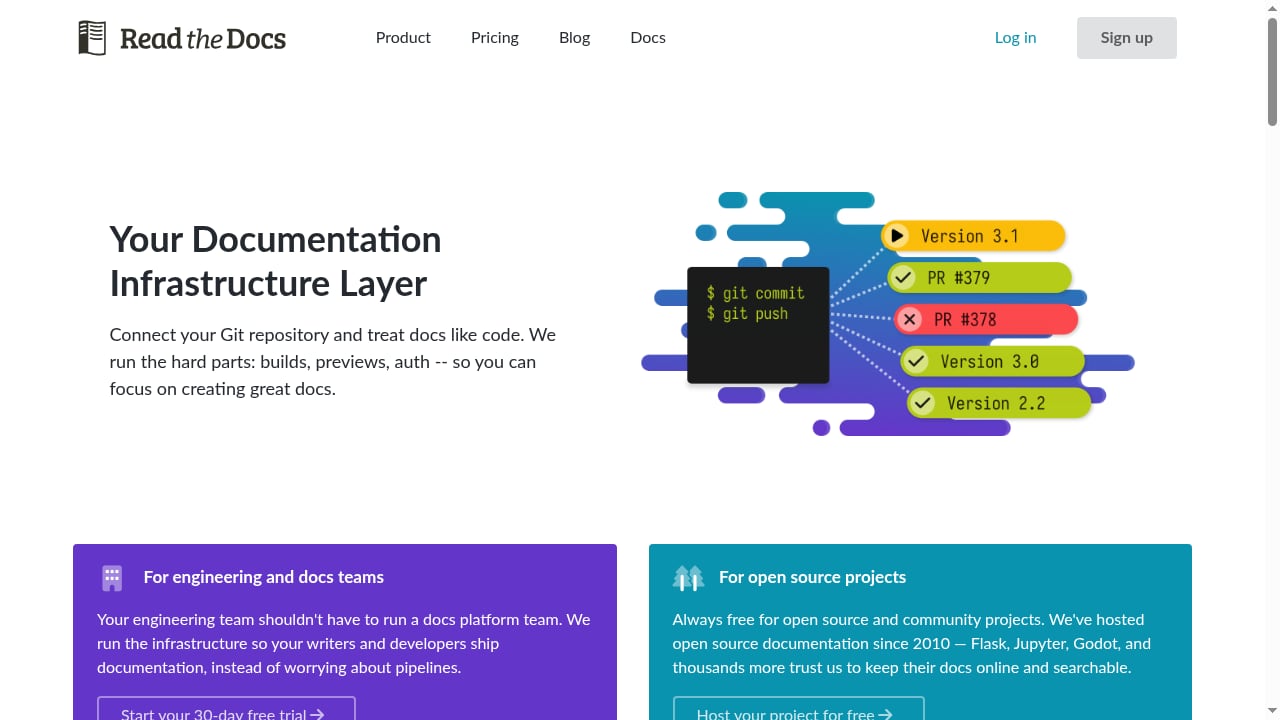
First viewport screenshot of Full featured documentation deployment platform.
Read the Docs is a full-featured documentation deployment platform that acts as a documentation infrastructure layer. It connects to Git repositories and treats documentation like code, automating builds, previews, and authentication. The platform has hosted open source documentation since 2010, with projects like Flask, Jupyter, and Godot relying on it. For commercial teams, Read the Docs offers private documentation hosting, pull request previews with visual diffs against production, access control with SSO via GitHub, GitLab, or Google, and scalable build resources. Core capabilities include versioned documentation, integrated search, pull request preview builds, custom domains, redirects, and automation rules. It also supports modern workflows such as serving llms.txt files for LLM-friendly context, native support for uv, and customizable build images. Pricing includes a free Community plan for open source, self-serve plans starting at 50/month for small teams, and Enterprise plans from 10,000/year with SAML SSO, dedicated builders, compliance-grade auditing, and a support SLA.
Key Differences at a Glance
| Feature | HelpLook | Read the Docs |
|---|---|---|
| Primary focus | AI-powered help center and knowledge base | Documentation infrastructure and hosting |
| Target users | Content creators, ops, customer service, enterprises | Engineering and documentation teams |
| Editing experience | WYSIWYG, no-code | Docs-as-code (Git-based) |
| AI capabilities | AI search and chatbot (GPT-3.5/4.0, Wenxin Yiyan) | Not a core feature |
| SEO tools | Built-in SEO optimization | Limited (focus on docs hosting) |
| Multi-language | Supported | Supported via docs setup |
| Access control | Granular permissions (public, password, authorized) | SSO via GitHub, GitLab, Google; SAML on Enterprise |
| Pricing | Free tier; paid from ¥99/month | Free Community; self-serve from 50/month; Enterprise from 10,000/year |
Where HelpLook Excels
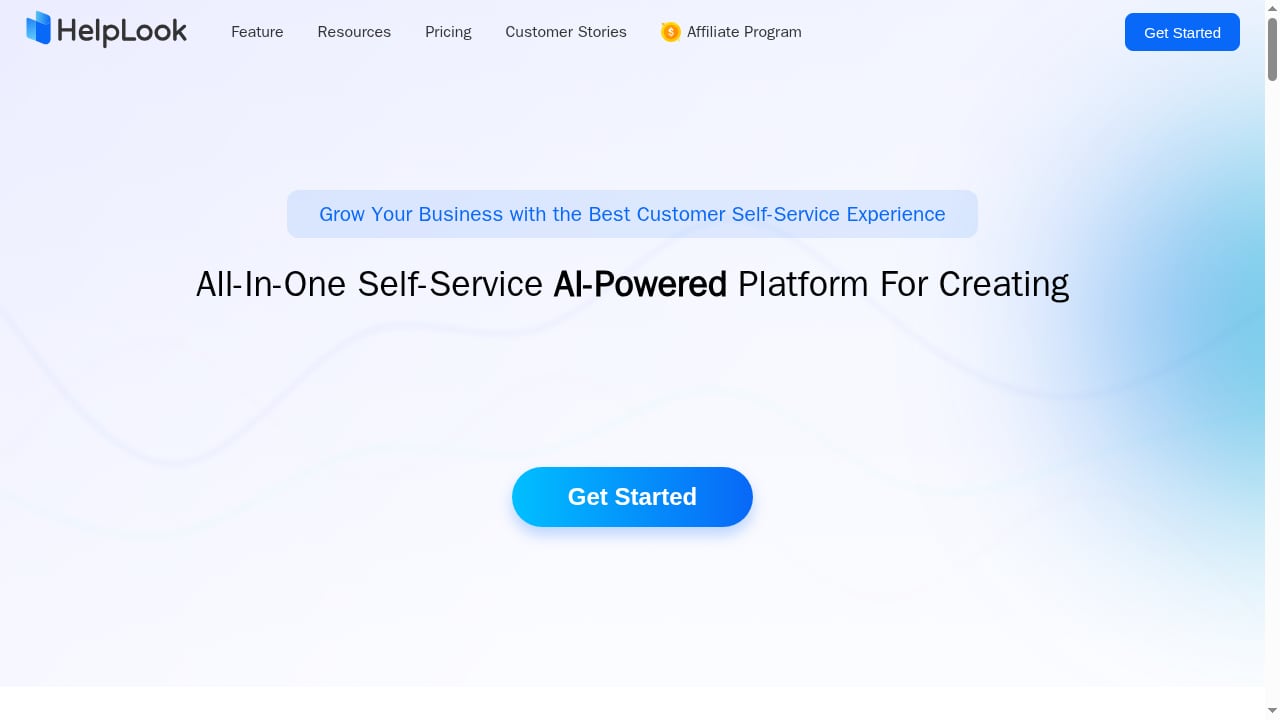
First viewport screenshot of Customize and Optimize Your AI-Powered Knowledge Base - HelpLook.
No-Code Content Creation for Non-Technical Teams
HelpLook's WYSIWYG editor lets writers, support agents, and operations teams publish help content without touching code or Git. This is a major advantage for teams that lack dedicated documentation engineers or want to move quickly without setting up a build pipeline.
AI-Powered Self-Service Support
HelpLook integrates AI models to provide instant answers to user queries through search and a chatbot. This can reduce customer service costs and improve satisfaction by deflecting common questions. The platform also offers an embeddable widget, so you can bring AI answers directly into your product or website.
Built-In SEO and Analytics
HelpLook includes SEO optimization tools to help your help center rank in search engines, plus analytics to track content performance. For businesses that rely on organic search to attract and support customers, these features are valuable out of the box.
Granular Access Control and Multi-Language Support
HelpLook supports public, password-protected, and authorized access modes, along with multi-language content. This makes it suitable for both external help centers and internal knowledge bases across global teams.
Where Read the Docs Excels
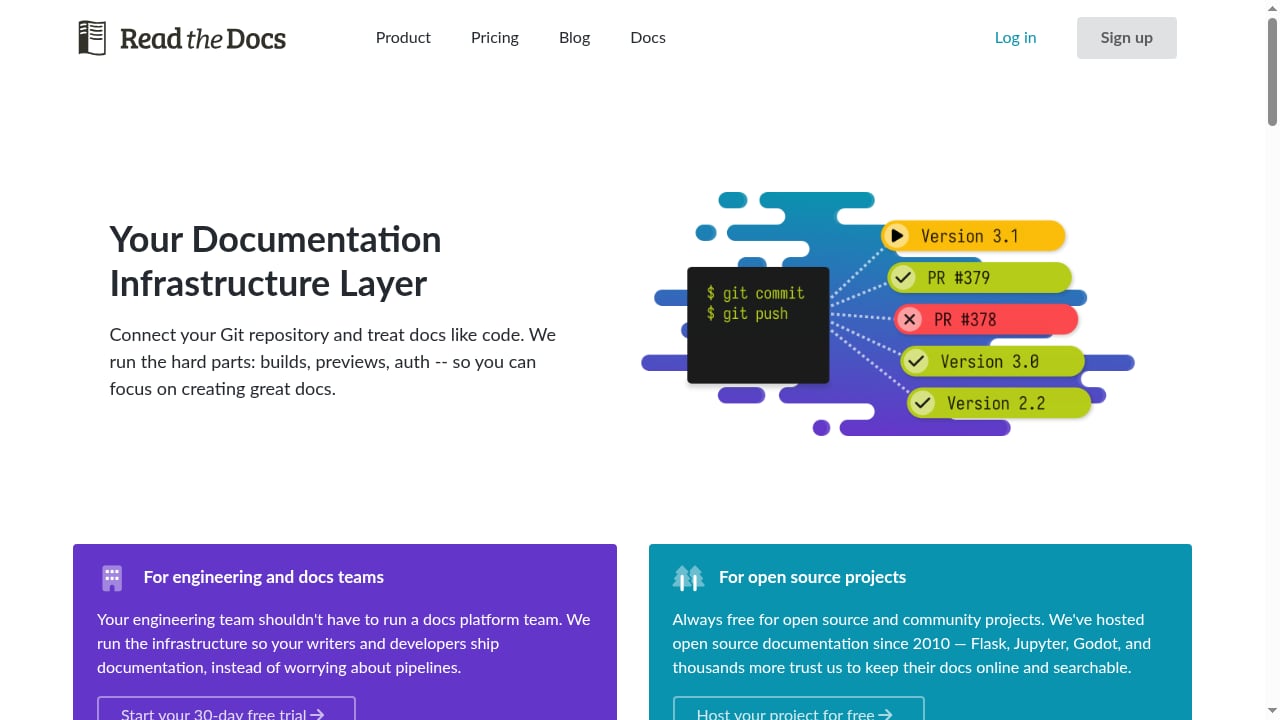
First viewport screenshot of Full featured documentation deployment platform.
Documentation-as-Code Workflow
Read the Docs is built for teams that treat documentation like code. It connects to Git repositories, automates builds, and provides pull request previews with visual diffs against production. This workflow is ideal for engineering-driven documentation where version control and review processes are essential.
Versioned Documentation and Scalable Builds
Read the Docs handles versioned documentation, integrated search, custom domains, redirects, and automation rules. It also offers scalable build resources, so large projects can build quickly. For open source projects, the free Community plan has been a reliable home since 2010.
Enterprise-Grade Features for Commercial Teams
For businesses, Read the Docs offers private documentation hosting, SSO via GitHub, GitLab, or Google, and Enterprise plans with SAML SSO, dedicated builders, compliance-grade auditing, and a support SLA. These features cater to organizations with strict security and compliance requirements.
Modern Documentation Workflows
Read the Docs supports serving llms.txt files for LLM-friendly context, native support for uv, and customizable build images. These are forward-looking features for teams that want their docs to be accessible to AI tools and to use modern Python tooling.
Where Read the Docs Falls Short for Help Center Use Cases
While Read the Docs is excellent for technical documentation, it is not designed as a customer-facing help center or AI knowledge base. It lacks built-in AI chatbot and search capabilities, SEO optimization tools, and a no-code editing experience. Teams looking to deflect support tickets with AI or publish marketing-friendly help content may find Read the Docs too engineering-centric. Additionally, its pricing for commercial teams starts at 50/month for self-serve and 10,000/year for Enterprise, which may be higher than HelpLook's starting price for small teams.
Where HelpLook Falls Short for Docs-as-Code Workflows
HelpLook is not a docs-as-code platform. It does not connect to Git repositories, automate builds from source files, or provide pull request previews. Teams that require version control, code review, and automated deployment for documentation will find HelpLook less suitable. It also lacks the deep open source community integration and versioning capabilities that Read the Docs offers.
Pricing Comparison
- HelpLook: Free tier available; paid plans start at ¥99/month. This makes it accessible for small businesses and startups.
- Read the Docs: Free Community plan for open source; self-serve plans from 50/month; Enterprise plans from 10,000/year. The free plan is generous for open source but commercial use requires a paid plan.
For budget-conscious teams needing a help center, HelpLook's entry price is lower. For open source projects, Read the Docs' free Community plan is a strong option.
When to Choose HelpLook
Choose HelpLook if you:
- Need a no-code help center or knowledge base for customer support
- Want AI-powered search and chatbot to deflect tickets
- Require built-in SEO tools to attract organic traffic
- Have non-technical content creators who prefer a WYSIWYG editor
- Need granular access control for internal or external content
- Are looking for a cost-effective solution with a free tier
When to Choose Read the Docs
Choose Read the Docs if you:
- Have an engineering team that writes documentation in Markdown or reStructuredText and stores it in Git
- Need versioned documentation and pull request previews
- Require SSO and compliance-grade auditing for enterprise security
- Are an open source project looking for free, reliable documentation hosting
- Want to serve llms.txt files and use modern Python tooling like uv
Sources and further reading
- BengalSEO Part 1: Anatomy of the Operation - Key Takeaways The DFIR Report Offerings Check out our Products here and our Services here. Want a demo, more information on our services, pricing or just want to chat? Get in Touch Contact us today for pricing or a demo! Case Summary In March 2026, our team identified an SEO poisoning campaign leading to malware deployment […]
Frequently Asked Questions
Can HelpLook replace Read the Docs for technical documentation?
HelpLook can host product documentation, but it is not a docs-as-code platform. If your team relies on Git-based workflows, version control, and automated builds, Read the Docs is a better fit. HelpLook is stronger for customer-facing help centers and AI-powered support.
Does Read the Docs offer AI chatbot features?
No, Read the Docs does not provide an AI chatbot or AI-powered search as a core feature. Its focus is on documentation infrastructure, not self-service support automation.
Is HelpLook suitable for open source projects?
HelpLook is designed for businesses and commercial use. While it has a free tier, it is not specifically tailored for open source projects like Read the Docs' Community plan.
Which platform is more affordable for small teams?
HelpLook's paid plans start at ¥99/month, which is lower than Read the Docs' self-serve plans starting at $50/month. However, Read the Docs offers a free Community plan for open source, which may be sufficient for some projects.
Can I use both HelpLook and Read the Docs together?
Yes, some teams use Read the Docs for developer documentation and HelpLook for customer-facing help centers. This hybrid approach can work if you have distinct audiences and workflows.
Conclusion
HelpLook and Read the Docs serve different needs. HelpLook is a no-code AI knowledge base and help center platform built for customer-facing self-service support, with AI search, chatbot, SEO tools, and granular access control. Read the Docs is a documentation infrastructure layer for engineering teams that treat docs like code, offering versioned documentation, pull request previews, and enterprise-grade security.
If your priority is reducing support tickets with AI-powered self-service and you want a no-code editor, HelpLook is the stronger choice. If you need docs-as-code workflows, version control, and open source-friendly hosting, Read the Docs is the better fit. For teams exploring other knowledge base options, see our Outline review for team wikis.
Sources:
;}.cls-2{fill:%230868f7;}.cls-3{fill:url(%23未命名的渐变_44);}.cls-4{fill:%23333;}%3c/style%3e%3clinearGradient%20id='未命名的渐变_8'%20x1='33.73'%20y1='100.61'%20x2='-0.03'%20y2='-1.06'%20gradientUnits='userSpaceOnUse'%3e%3cstop%20offset='0'%20stop-color='%237ae9fb'/%3e%3cstop%20offset='0.67'%20stop-color='%232b90f8'/%3e%3cstop%20offset='1'%20stop-color='%230868f7'/%3e%3c/linearGradient%3e%3clinearGradient%20id='未命名的渐变_44'%20x1='27.86'%20y1='18.67'%20x2='68.36'%20y2='22.22'%20gradientUnits='userSpaceOnUse'%3e%3cstop%20offset='0'%20stop-color='%235ac7f2'/%3e%3cstop%20offset='1'%20stop-color='%230868f7'/%3e%3c/linearGradient%3e%3c/defs%3e%3cpath%20class='cls-1'%20d='M29,28.74V81.91l-9.51-3.68v0L8.52,74A7.17,7.17,0,0,1,4,67.32V24.54A3.76,3.76,0,0,1,9.08,21Z'/%3e%3cpath%20class='cls-2'%20d='M68.09,78.07a13.15,13.15,0,0,1-17.9,12.06L29,81.91h0V28.74L50.19,37A13.17,13.17,0,0,0,68.08,25.3h0Z'/%3e%3cpath%20class='cls-3'%20d='M68.08,25.3a13.19,13.19,0,0,1-6.73,10.87A13.09,13.09,0,0,1,50.19,37L29,28.74V6A3.76,3.76,0,0,1,34.1,2.52l25.59,9.91A13.22,13.22,0,0,1,68.08,25.3Z'/%3e%3cpath%20class='cls-4'%20d='M129.06,81.76a4.33,4.33,0,0,1-3.19-1.31,4.4,4.4,0,0,1-1.31-3.24V56.86H97.65V77.21a4.36,4.36,0,0,1-1.35,3.2A4.68,4.68,0,0,1,93,81.76a4.32,4.32,0,0,1-3.19-1.31,4.37,4.37,0,0,1-1.32-3.24V27.27A4.58,4.58,0,0,1,89.83,24a4.59,4.59,0,0,1,7.82,3.27V48.15h26.91V27.27A4.58,4.58,0,0,1,125.91,24a4.59,4.59,0,0,1,7.82,3.27V77.21a4.37,4.37,0,0,1-1.36,3.2A4.65,4.65,0,0,1,129.06,81.76Z'/%3e%3cpath%20class='cls-4'%20d='M163.77,81.66c-6.57,0-11.76-1.92-15.44-5.7s-5.54-9.07-5.54-15.74a26.76,26.76,0,0,1,2.09-10.43,17.72,17.72,0,0,1,6.67-8.06,19.15,19.15,0,0,1,10.68-2.95,19,19,0,0,1,10.46,2.8,18.7,18.7,0,0,1,6.55,7.36,22.53,22.53,0,0,1,2.36,10.28A4.51,4.51,0,0,1,177,63.77H152.23a10.8,10.8,0,0,0,3.49,6.65c2,1.68,4.88,2.52,8.66,2.52a22.25,22.25,0,0,0,7.54-1.21c.74-.3,1.55-.67,2.37-1.07a3.75,3.75,0,0,1,1.84-.4,4.09,4.09,0,0,1,3,1.15,4,4,0,0,1,1.12,3,4.38,4.38,0,0,1-2.58,3.82,32.34,32.34,0,0,1-6.36,2.61A28.67,28.67,0,0,1,163.77,81.66ZM172.4,55.9a9.72,9.72,0,0,0-1.63-4.56A9.9,9.9,0,0,0,167,48a10.38,10.38,0,0,0-4.64-1.14,12,12,0,0,0-4.77,1.06,9.54,9.54,0,0,0-4.89,5.66,11.78,11.78,0,0,0-.51,2.3Z'/%3e%3cpath%20class='cls-4'%20d='M193,81.64a4.49,4.49,0,0,1-4.51-4.55V27.28A4.58,4.58,0,0,1,189.84,24a4.48,4.48,0,0,1,3.28-1.36A4.36,4.36,0,0,1,196.35,24a4.46,4.46,0,0,1,1.31,3.31V77.09a4.34,4.34,0,0,1-1.35,3.2A4.67,4.67,0,0,1,193,81.64Z'/%3e%3cpath%20class='cls-4'%20d='M263.79,81.71a5.7,5.7,0,0,1-4.2-1.74,5.76,5.76,0,0,1-1.73-4.19V27.37a4.58,4.58,0,0,1,1.35-3.27A4.59,4.59,0,0,1,267,27.37V72.53h24a4.58,4.58,0,0,1,3.27,7.82A4.66,4.66,0,0,1,291,81.71Z'/%3e%3cpath%20class='cls-4'%20d='M424.48,81.74a4.71,4.71,0,0,1-2.71-.88,5.43,5.43,0,0,1-1-1l-.07-.09-12.41-17-5.41,5v9.44a4.31,4.31,0,0,1-1.36,3.19,4.66,4.66,0,0,1-3.3,1.36A4.29,4.29,0,0,1,395,80.42a4.36,4.36,0,0,1-1.32-3.23V27.37A4.58,4.58,0,0,1,395,24.1a4.52,4.52,0,0,1,6.58.12,4.54,4.54,0,0,1,1.24,3.15V56.31l17.72-16.38.05,0a4.8,4.8,0,0,1,2.94-1.11,4.4,4.4,0,0,1,3.27,1.2,4.57,4.57,0,0,1,1.2,3.27,4.44,4.44,0,0,1-.77,2.33,7.45,7.45,0,0,1-1.43,1.65l-11,9.64,13.34,17.68a5,5,0,0,1,1,2.71,4.12,4.12,0,0,1-1.36,3.24A4.64,4.64,0,0,1,424.48,81.74Z'/%3e%3cpath%20class='cls-4'%20d='M317.93,81.76a21.5,21.5,0,1,1,21.17-21.5A21.37,21.37,0,0,1,317.93,81.76Zm0-34.1a12.61,12.61,0,1,0,12.42,12.6A12.52,12.52,0,0,0,317.93,47.66Z'/%3e%3cpath%20class='cls-4'%20d='M212.18,101.22a4.12,4.12,0,0,1-3.05-1.26,4.17,4.17,0,0,1-1.26-3.1V43.34a4.37,4.37,0,0,1,1.3-3.14,4.26,4.26,0,0,1,3.13-1.3,4.19,4.19,0,0,1,3.1,1.26,4.32,4.32,0,0,1,1.26,3.16,20.77,20.77,0,0,1,13-4.54,21.51,21.51,0,0,1,0,43,20.51,20.51,0,0,1-13-4.57V96.86a4.15,4.15,0,0,1-1.3,3.06A4.5,4.5,0,0,1,212.18,101.22Zm17.43-53.63c-6.23,0-12.93,4.11-12.93,12.72a12.73,12.73,0,0,0,25.46,0A12.71,12.71,0,0,0,229.61,47.59Z'/%3e%3cpath%20class='cls-4'%20d='M365.76,81.76a21.5,21.5,0,1,1,21.18-21.5A21.37,21.37,0,0,1,365.76,81.76Zm0-34.1a12.61,12.61,0,1,0,12.42,12.6A12.52,12.52,0,0,0,365.76,47.66Z'/%3e%3c/svg%3e)